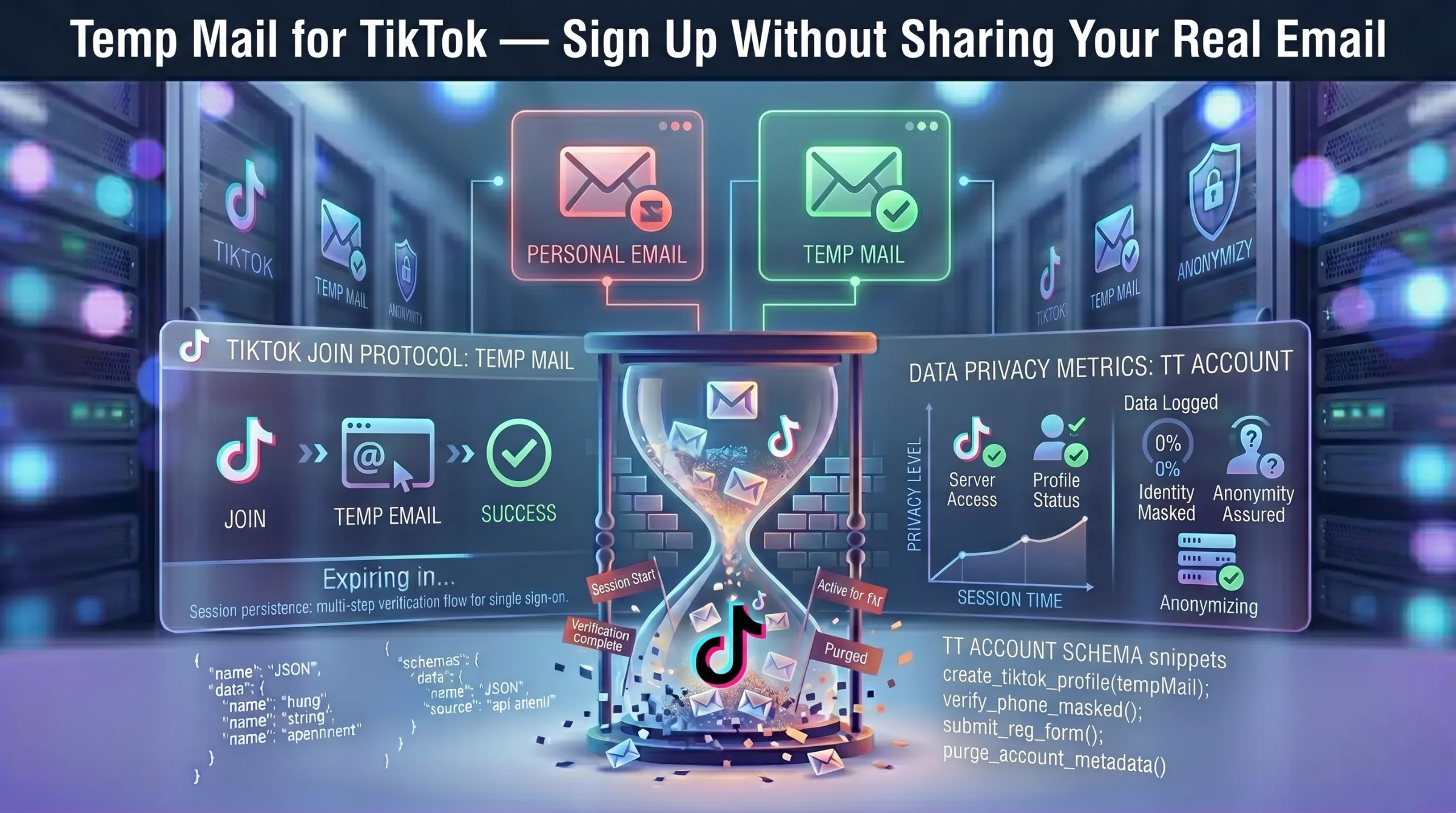
Temp Mail for TikTok – Sign Up Without Sharing Your Real Email
TikTok collects an email address at signup and uses it for login verification, content recommendations, and a steady stream of notification emails. Your real address ties your viewing habits, saved videos, and interactions to your permanent identity – which is more exposure than many users want from one of the most data-hungry apps on the market.
A disposable email address lets you create a TikTok account without that permanent link. This guide covers how to register with temp mail, handle verification codes, deal with domain blocking, and know when to switch to a permanent email.
Why Use Temp Mail for TikTok?
TikTok sends frequent notification emails, promotional messages, and content recommendations tied to your registered address. Using a temporary inbox keeps all of that away from your primary email.
Beyond spam, there’s the privacy concern. With over 1.5 billion monthly active users and well-documented data collection practices, TikTok links your email to browsing behavior, content interactions, and cross-platform activity. A disposable address breaks that connection – letting you explore the platform without permanently tying your real identity to it.
Common use cases include exploring TikTok before committing, creating secondary accounts for content testing, managing multiple profiles for different niches, and avoiding marketing follow-ups from a platform you may not use long-term. Learn more about why email exposure matters in our guide on how data breaches put your email at risk.
How to Create a TikTok Account with Temp Mail
Step 1 – Generate a temporary email. Open a free temporary inbox — an address is created instantly with no registration. Copy the address and keep the tab open.
Step 2 – Start TikTok signup. Open TikTok’s registration page or app. Select email-based signup, paste the temporary address, choose a strong password, complete any captcha, and submit.
Step 3 – Enter the verification code. TikTok sends an OTP or confirmation link to the temp address. Return to your inbox, find the email, and enter the code. Most verification emails arrive within 60-120 seconds.
Step 4 – Complete account setup. After verification, set your username and preferences. Your account is now active.
Step 5 – Repeat for additional accounts. Generate a new temporary address for each additional TikTok profile. Each account requires a unique email.
What to Do When the Verification Code Doesn’t Arrive
If the OTP doesn’t appear within two minutes, hit resend once and wait. Avoid rapid repeated requests – excess resends can trigger TikTok’s rate limiting.
If resending doesn’t work, the issue is likely domain-level filtering. TikTok blocks some known disposable domains. Generate a new address on a different domain within the same provider and restart the signup. Providers with large domain pools and frequent domain rotation have consistently higher acceptance rates.
Also confirm you copied the address correctly – trailing spaces or typos are a common cause of missed emails.
Why TikTok Blocks Some Temp Mail Domains
TikTok maintains filters against known disposable email domains. When a provider’s domain is flagged, the verification email either never arrives or the signup form rejects the address outright.
Domain freshness is the deciding factor. Providers that rotate domains regularly introduce newer addresses that haven’t been flagged yet. If one domain fails, switching to another within the same service usually resolves it.
For more on how domain cycling and inbox expiration work together, see our guide on how long temporary email lasts.
Risks of Using Temp Mail for TikTok Long-Term
Temp mail works well for registration, but keeping the account long-term introduces real problems.
Password recovery fails. Once the temporary inbox expires, TikTok’s password reset email has nowhere to land. Without access to the registered email, you’re permanently locked out.
Re-verification requests. TikTok may ask you to re-verify your email after suspicious activity or a new device login. An expired address means failed verification and restricted access.
Monetization and business features blocked. TikTok’s Creator Fund, business accounts, and monetization features typically require a verifiable, permanent email. Accounts registered with disposable addresses may be ineligible.
Account appeals impossible. If your account is flagged or suspended, TikTok’s support process often requires communication through the registered email. A dead temp address makes appeals unresolvable.
For a complete breakdown of safety considerations, see our guide on whether temporary email is safe and legal.
When to Use Temp Mail vs a Real Email for TikTok
Use temp mail for: exploring TikTok before committing, testing content strategies on secondary accounts, short-term campaign experiments, avoiding marketing emails, creating accounts for QA or development testing.
Use a real email for: your primary TikTok profile, creator or monetized accounts, business or brand accounts, any profile you plan to use long-term or need recovery access for. The smart migration path: Create the account with a disposable address for anonymous registration. If the account becomes worth keeping, immediately change the email to a permanent address in TikTok’s account settings. This gives you privacy at signup without the long-term recovery risk.