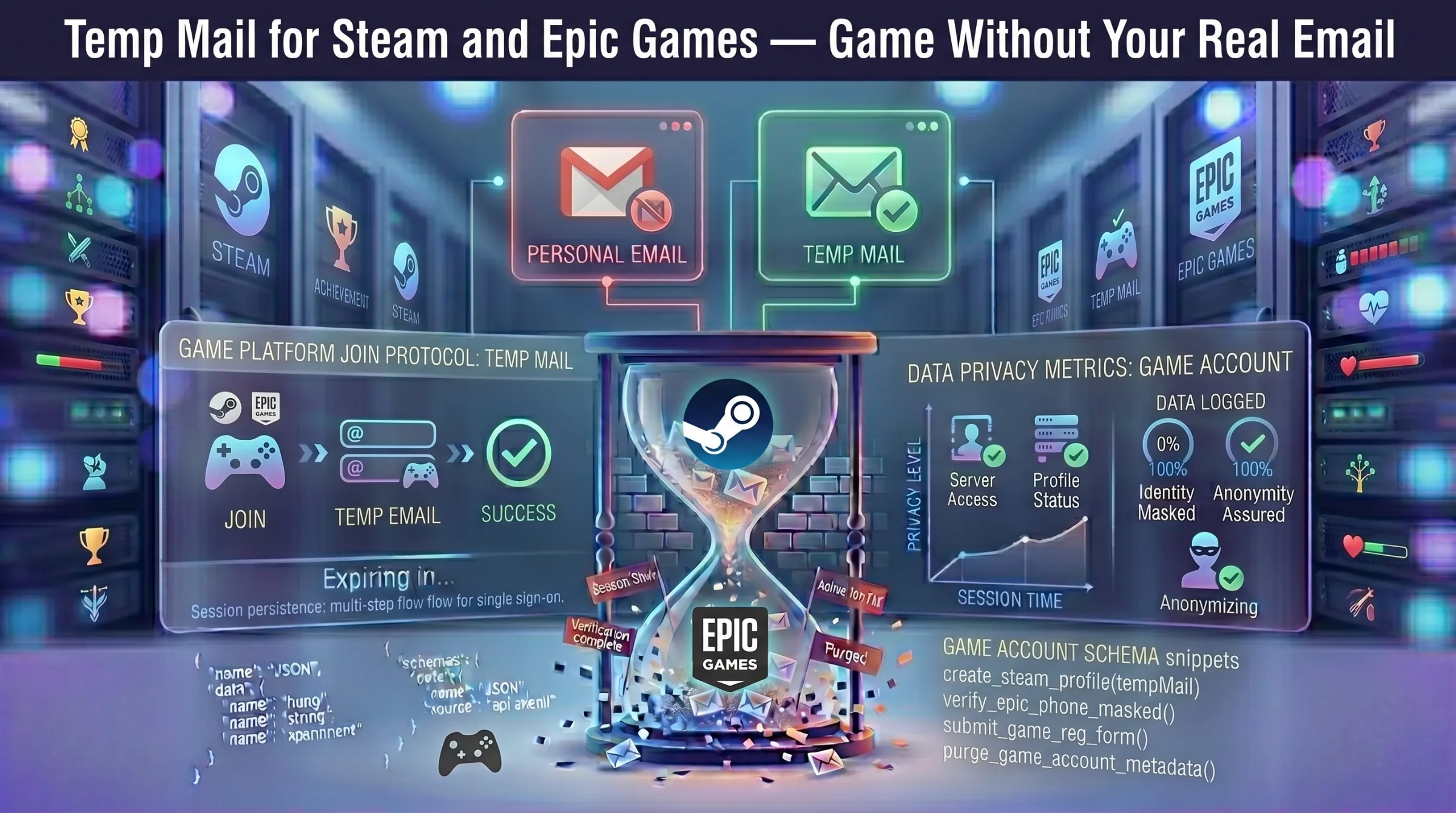
Temp Mail for Steam and Epic Games – Game Without Your Real Email
Steam and Epic Games both require an email address to create an account and send verification emails you need to confirm before accessing their platforms. For gamers who want to protect their privacy, avoid promotional clutter, or set up secondary accounts for trading and testing, a disposable email address handles registration without exposing your real inbox.
This guide covers how to use temp mail for both platforms, why gamers choose it, and the honest risks of relying on a temporary address for gaming accounts long-term.
Why Use Temp Mail for Gaming Platforms?
Avoid Promotional Email Overload
Both Steam and Epic Games send regular emails about game sales, seasonal promotions, community updates, free game announcements, and personalized recommendations. Useful occasionally – overwhelming over time. A temporary inbox absorbs all of it so your primary email stays focused on what matters.
Protect Your Privacy
Gaming platforms collect data tied to your registered email — purchase history, play habits, friend lists, and marketplace activity. If either platform suffers a data breach, your real email and associated data are exposed. A disposable address eliminates that link. For more on why this matters, see our guide on how data breaches put your email at risk.
Set Up Multiple Accounts Quickly
Steam marketplace traders often manage separate accounts for organization. Epic Games users may want distinct accounts for different game libraries or to claim limited-time free games independently. Temp mail provides a fresh address for each account without creating permanent email addresses for every one.
Try Platforms Without Commitment
Want to test a free-to-play game, claim a limited promotion, or explore a platform’s features before committing? A disposable address lets you register, play, and walk away without leaving your personal information behind.
How to Sign Up for Steam with Temp Mail
Step 1 – Generate a temporary email. Open a free temporary inbox – an address is created instantly. Copy it and keep the tab open.
Step 2 – Start Steam registration. Go to Steam’s signup page. Paste the temporary email address in the email field.
Step 3 – Receive the verification email. Steam sends a confirmation email to the temp address. Return to your inbox, find the email, and click the verification link.
Step 4 – Complete setup. After verification, set your Steam username and password. Download the Steam client and start using your account.
How to Sign Up for Epic Games with Temp Mail
Step 1 – Generate a temporary email. Same process – open your temp inbox and copy the address.
Step 2 – Start Epic Games registration. Go to the Epic Games website and begin signup. Paste the temporary address when prompted for email.
Step 3 – Confirm your account. Epic Games sends a verification email. Return to your temp inbox, open the email, and click the verification link.
Step 4 – Download and play. After verification, download the Epic Games launcher and access your game library.
When Gaming Platforms Block Temp Mail Domains
Both Steam and Epic Games filter some known disposable email domains. If your temp address gets rejected during signup or the verification email never arrives, the domain has been flagged.
Generate a new address on a different domain and retry. Providers with frequent domain rotation maintain newer domains that haven’t been added to platform blocklists yet. If multiple domains fail consecutively, try a different provider entirely.
For more on how domain rotation works, see our guide on how long temporary email lasts.
Risks of Using Temp Mail for Gaming Accounts
Account Recovery Fails
If you forget your password after the temp inbox expires, the recovery email goes nowhere. Steam and Epic Games both rely on email for password resets – without it, you’re locked out permanently.
Game Library at Risk
Steam accounts accumulate purchased games, achievements, friend lists, and marketplace inventory. Epic Games accounts hold free game claims and purchases. Losing access to either account means losing your entire library.
Steam Guard and Two-Factor Issues
Steam uses email-based Steam Guard codes for login security. If the temp address is dead, you can’t receive these codes and may be locked out even with the correct password.
The Smart Approach
Create the account with a disposable address for anonymous registration. If you start purchasing games, building a library, or accumulating anything valuable, immediately change the email to a permanent address in the account settings. This gives you privacy at signup without risking your game collection.
For the complete safety picture, see our guide on whether temporary email is safe and legal.
When Temp Mail Makes Sense for Gaming and When It Doesn’t
Use temp mail for: trying free-to-play games, claiming limited-time promotions, testing platform features, setting up secondary trading accounts, keeping your real email away from gaming data ecosystems.
Don’t use temp mail for: your primary Steam or Epic account, accounts with purchased games or marketplace inventory, any profile linked to payment methods, accounts you need long-term recovery access for.
A disposable address is the fastest way onto a gaming platform without a trace. For accounts you invest in, always migrate to a permanent email.