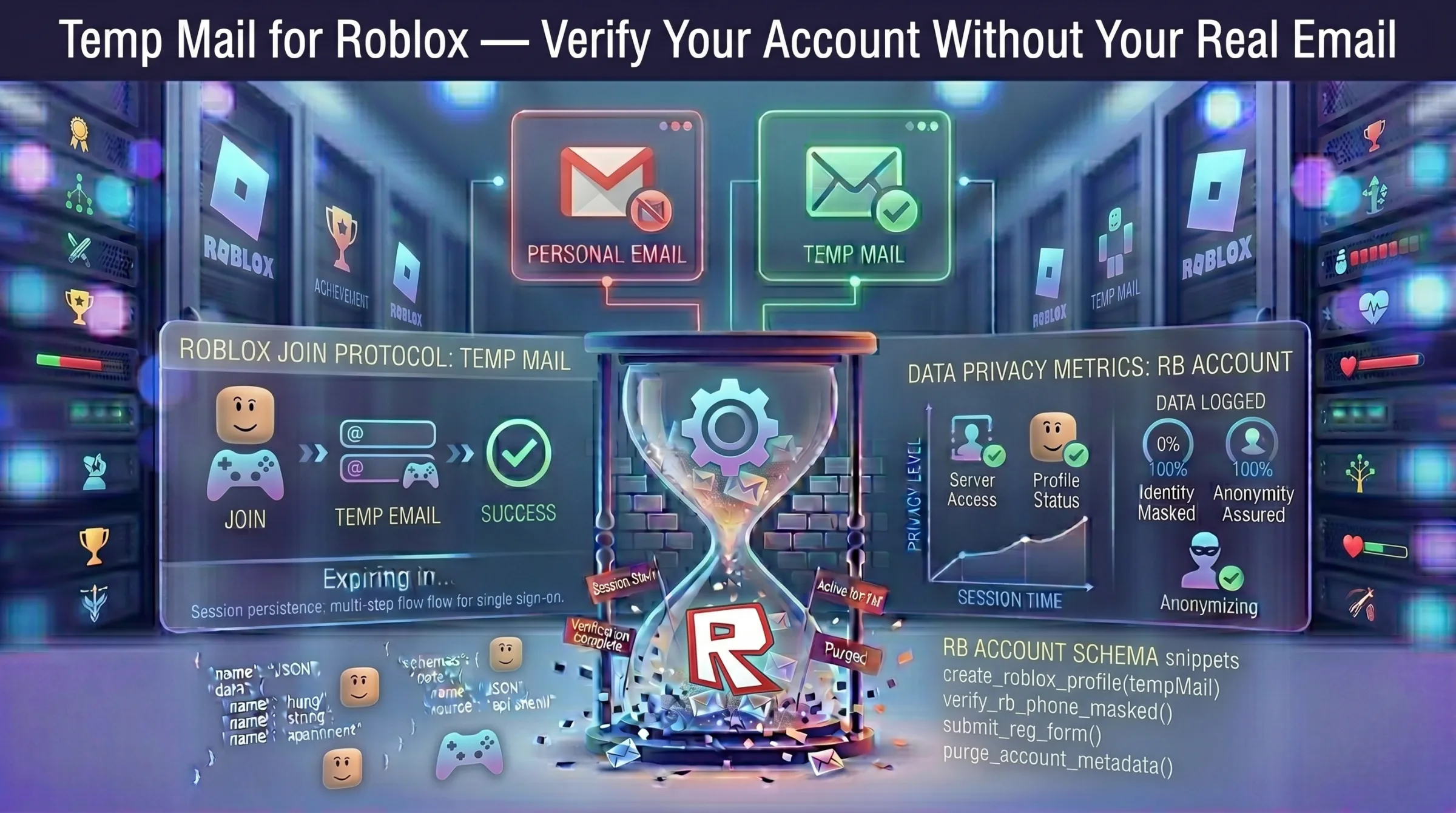
Temp Mail for Roblox – Verify Your Account Without Your Real Email
Roblox requires email verification to secure your profile, enable account recovery, and unlock certain platform features. Once you provide your email, Roblox starts sending friend request notifications, game updates, marketing messages, and event promotions — all landing in your inbox indefinitely.
For players who want to try Roblox, create secondary accounts, test games, or protect a child’s email address from unnecessary exposure, a disposable email address completes the verification process without the long-term inbox clutter.
Why Use Temp Mail for Roblox?
Keep Your Real Email Private
Roblox links your email permanently to your account — it becomes the contact point for security alerts, password resets, and platform communication. A temporary address keeps your real inbox hidden from the platform entirely.
Protect Younger Players
Parents often create Roblox accounts for children. Using a disposable address prevents a child’s or family email from being tied to a gaming platform, reducing exposure to phishing attempts, marketing emails, and potential data leaks. For more on email exposure risks, see our guide on how data breaches put your email at risk.
Avoid Notification Spam
Roblox sends frequent emails about game updates, friend activity, special events, and promotional offers. A temp inbox absorbs all of it so your primary email stays clean.
Manage Multiple Accounts Easily
Developers testing games, players managing alt accounts, or content creators separating personal and public profiles all need unique email addresses. Temp mail provides a fresh address for each account without creating permanent emails for every one.
How to Create a Roblox Account with Temp Mail
Step 1 – Generate a temporary email. Open a free temporary inbox – an address is generated instantly with no registration. Copy it and keep the tab open.
Step 2 – Start Roblox registration. Visit the Roblox signup page. Enter a username, password, date of birth, and paste the temporary address in the email field.
Step 3 – Receive the verification email. Roblox sends a confirmation email to the temp address. Return to your inbox and find the email from Roblox.
Step 4 – Click the verification link. Open the email and click the verification link to activate your account.
Step 5 – Start playing. Your Roblox account is now active. You can explore games, join servers, and use all standard features.
Does Roblox Block Temp Mail Domains?
Roblox is generally less aggressive with disposable domain filtering than platforms like Facebook or Discord. Most temp mail addresses are accepted during registration and verification emails arrive quickly.
However, if a specific domain gets rejected or the verification email doesn’t arrive, generate a new address on a different domain and retry. Providers with active domain rotation maintain newer domains that are less likely to be flagged.
For more on how domain cycling and inbox expiration work, see our guide on how long temporary email lasts.
Risks of Using Temp Mail for Roblox Long-Term
Account Recovery Fails
If the temp address expires and you forget your password, Roblox’s recovery email has nowhere to land. You lose the account and everything in it – friends, progress, and inventory.
Robux and In-Game Purchases at Risk
If you’ve spent money on Robux or purchased in-game items, losing account access means losing those purchases permanently. Roblox support typically requires access to the registered email for account recovery.
Will Roblox Ban Temp Mail Accounts?
Using a temporary email alone does not violate Roblox’s rules. Bans result from violating community guidelines – scams, abusive behavior, or exploiting the platform – not from the type of email used during registration.
The Smart Approach
Create the account with a disposable address for quick, anonymous registration. If you start making purchases, building progress, or using the account regularly, immediately add a permanent email in Roblox’s account settings. This gives you privacy at signup without risking your game progress and purchases.
For the full safety picture, see our guide on whether temporary email is safe and legal.
When Temp Mail Makes Sense for Roblox – and When It Doesn’t
Use temp mail for: trying Roblox for the first time, creating alt accounts for testing, setting up accounts for children without using a family email, game development testing, short-term play sessions.
Don’t use temp mail for: your primary Roblox account, accounts with Robux purchases or valuable inventory, any profile you plan to use long-term or need recovery access for.
A disposable address gets you into Roblox in seconds with zero personal data attached. For accounts you invest time or money into, always migrate to a permanent email.