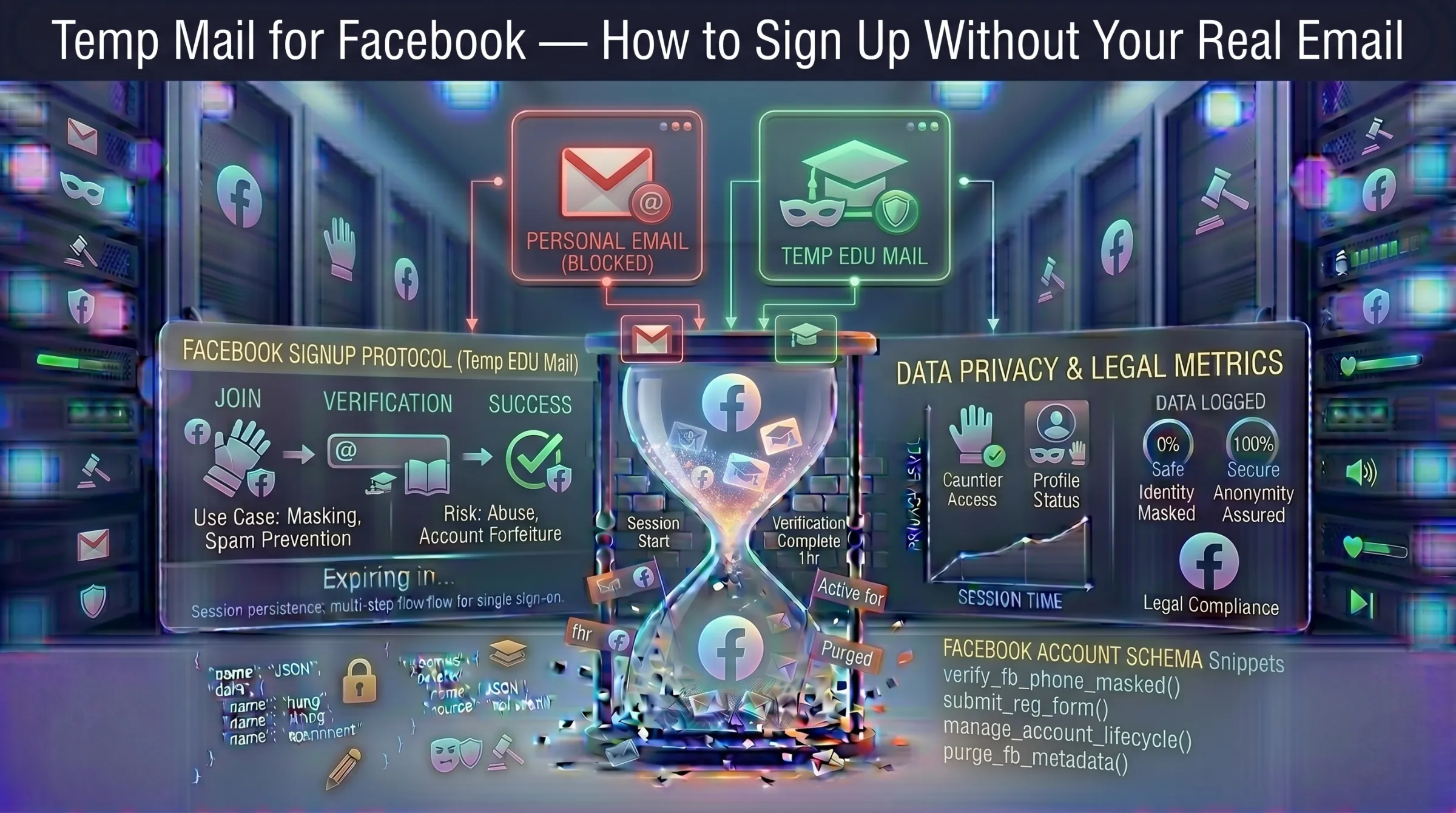
Temp Mail for Facebook – How to Sign Up Without Your Real Email
Facebook requires an email for registration and uses it for verification, login, password resets, notifications, and targeted advertising. Handing over your real email means inviting spam, data collection, and third-party sharing. A disposable email address lets you create a Facebook account without exposing your primary inbox – but Facebook actively blocks many disposable domains, so the approach matters.
This guide covers why temp mail works for Facebook, how to complete signup and verification, what to do when domains get blocked, and the real risks of using a disposable address for long-term Facebook accounts.
Why Use Temp Mail for Facebook?
Protect Your Real Inbox from Facebook Spam
Facebook sends a high volume of notifications, promotional emails, friend suggestions, event invitations, and advertiser messages. Using a disposable address keeps all of that out of your primary inbox entirely.
Keep Your Personal Information Private
Registering with your real email exposes it to Facebook’s broader data ecosystem — third-party apps, advertisers, and potential data breaches. A temp address provides anonymity with zero personal data attached to the account. For more on this risk, see our guide on how data breaches put your email at risk.
Create Multiple Accounts for Testing or Business
Facebook doesn’t allow multiple accounts to be registered with the same email. Temp mail provides a fresh address for each account — useful for managing fan pages, testing ad campaigns, or separating personal and business activity without creating permanent email addresses for every profile.
How to Create a Facebook Account with Temp Mail
Step 1 – Generate a temporary email address. Open a free temporary inbox — an address is auto-generated instantly with no registration or personal information required. Copy the address and keep the tab open.
Step 2 – Start Facebook registration. Open facebook.com and click the signup button. Fill in your name, password, date of birth, and gender. Paste the temporary email address in the email field. Click Continue.
Step 3 – Receive and enter the verification code. Facebook sends a confirmation code to the temp address. Return to your temporary inbox, find the email from Facebook, and copy the code. Enter it on Facebook’s verification page.
Step 4 – Complete registration. After entering the code, Facebook finalizes account creation. You now have a working Facebook account without your real email attached.
Why Facebook Blocks Some Temp Mail Domains
Facebook maintains a blocklist of known disposable email domains. When a temp mail provider’s domain appears on this list, the signup form rejects the address during registration with an error message.
This is why “best temp mail for Facebook” is one of the most searched queries in this space -users need providers with fresh, recently rotated domains that haven’t been flagged yet. Providers that perform regular domain rotation have higher success rates because their newer domains haven’t had time to land on Facebook’s blocklist.
If your temp address gets rejected during signup, that specific domain has been flagged. The solution is straightforward — generate a new address, ideally from a provider that cycles domains frequently. Learn how domain rotation works and why it matters in our guide on how long temporary email lasts.
Risks of Using Temp Mail for Facebook Long-Term
Temp mail works well for creating a Facebook account, but keeping that account long-term introduces real risks.
Password Recovery Will Fail
If you forget your password and the temp address has expired, Facebook’s recovery email goes nowhere. You are permanently locked out of the account with no way to reset access.
Account Verification Requests
Facebook periodically asks users to re-verify their email, especially after suspicious activity or login from a new device. If the temp address no longer exists, verification fails and the account may be locked or restricted.
Multiple Account Detection
Facebook prohibits operating multiple personal accounts. If the platform detects several accounts created from the same IP address or with disposable email patterns, all associated accounts can be locked or permanently banned.
Loss of Business Features
Facebook accounts linked to Business Manager, ad accounts with payment methods, or monetized Pages need stable, verifiable email addresses. Using temp mail for these accounts risks losing access to significant business assets. For the full safety picture, see our guide on whether temporary email is safe and legal.
Best Practices for Using Temp Mail with Facebook
Use a provider with fresh, non-blacklisted domains and active domain rotation. Complete email verification immediately – don’t leave the confirmation code sitting in a temporary inbox that might expire. Copy and save the verification code somewhere permanent as a backup in case Facebook asks for re-verification later.
If you plan to keep the account long-term, change the email to a permanent address in Facebook’s settings immediately after account creation. This gives you anonymous signup without the long-term recovery risk.
Consider using a VPN or proxy when creating multiple accounts from the same device to avoid IP-based detection. And never use a temp mail Facebook account for anything requiring long-term recovery access – banking integrations, Business Manager, or advertising accounts with payment methods attached.
When Temp Mail Makes Sense for Facebook and When It Doesn’t
Use temp mail for: testing Facebook features, creating secondary accounts for page management, short-term event participation, browsing without a personal trail, ad campaign experiments on test accounts.
Don’t use temp mail for: your primary Facebook profile, accounts linked to Facebook Business Manager, accounts with payment methods attached, verified pages, or any account you need to access long-term.
The smartest approach: Create the account with a disposable address for anonymous signup, then immediately migrate to a permanent privacy-focused email if you decide to keep the account. This gives you anonymous registration without the long-term recovery risk.
Generate a quick throwaway email for Facebook signup – no registration, no personal data, 24-hour inbox ready instantly.