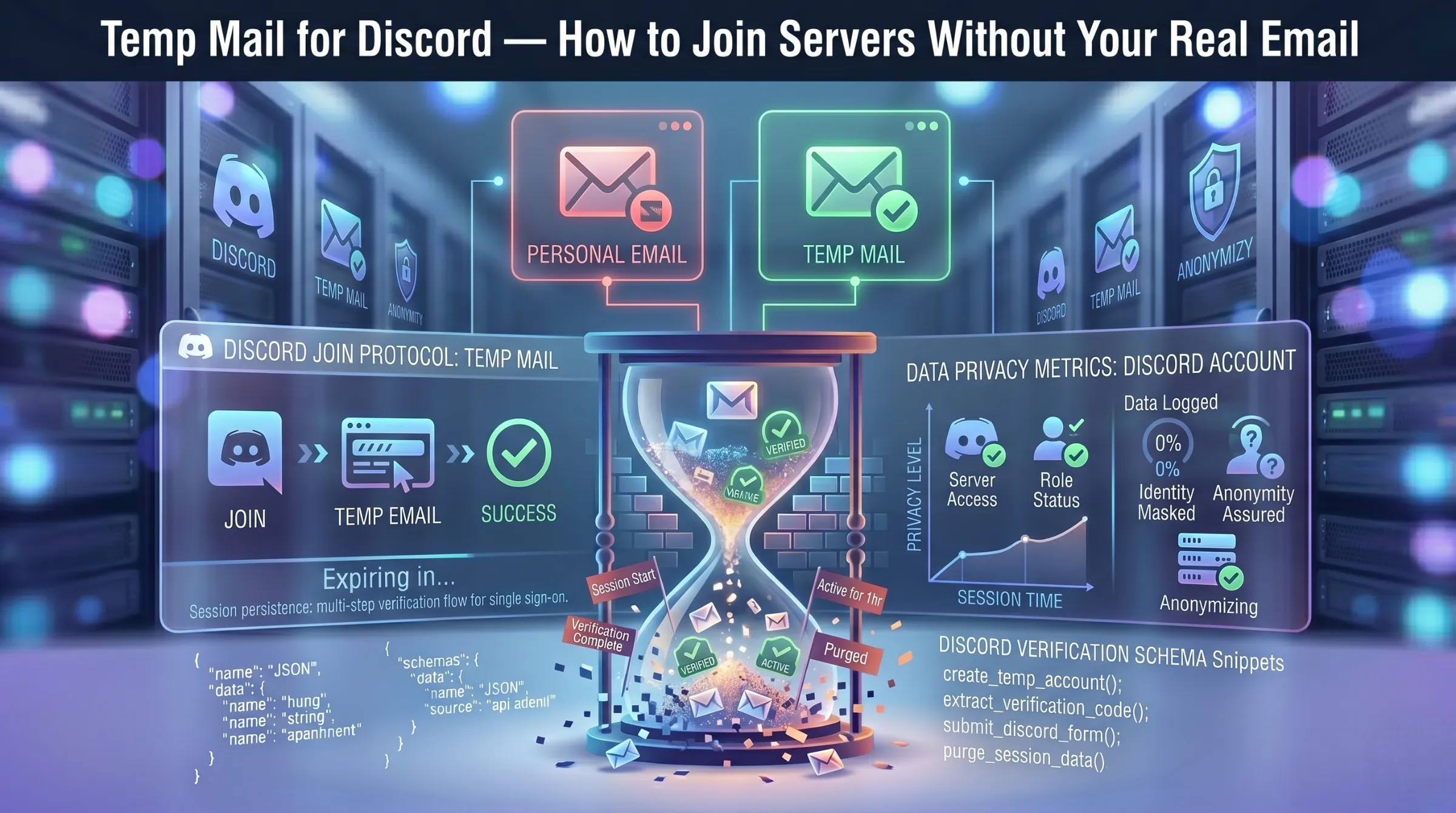
Temp Mail for Discord – How to Join Servers Without Your Real Email
Discord requires a valid email address to create an account and sends a verification link you need to click before you can access most features. For anyone who wants to join a server, test a bot, or participate in a short-term community without handing over their real inbox, a disposable email address is the practical solution.
But Discord actively detects and blocks many known disposable domains and losing access to the email behind your account can mean losing the account entirely. This guide covers how to sign up for Discord with temp mail, what to do when domains get rejected, the real risks of using a disposable address long-term, and when migrating to a permanent email is the smarter move.
Why Use Temp Mail for Discord?
Protect Your Real Inbox from Discord Spam
Discord sends a steady stream of notifications — server activity, direct messages, event announcements, and promotional emails. Using a temporary address keeps all of that away from your primary inbox entirely.
Keep Your Personal Data Private
Discord has faced serious data security incidents. In 2022, hackers obtained user data through fake legal requests, and the company was fined 800,000 euros for failing to properly protect personal information. Registering with your real email ties your identity directly to a platform with a documented breach history. A disposable address breaks that connection.
Join Servers Anonymously
Whether you’re exploring a new community, researching a topic, or joining a server you’re not sure about, temp mail lets you participate without revealing your real name or email to other users, server admins, or Discord itself.
Test Bots, Roles, and Integrations
Developers and server admins frequently need secondary accounts to test bot functionality, role permissions, integration workflows, and server configurations. Temp mail provides a fresh address for each test account without cluttering personal or work inboxes.
For a deeper look at how disposable email protects against data exposure, see our guide on how data breaches put your email at risk.
How to Create a Discord Account with Temp Mail
Step 1 – Generate a Temporary Email Address
Visit a temp mail service – a free temporary inbox is generated automatically the moment the page loads. Copy the address and keep the tab open so incoming emails are visible in real time.
Step 2 – Start Discord Registration
Go to discord.com and click Sign Up. Enter the disposable address in the email field, choose a strong password, provide a username and date of birth. Click Continue.
Step 3 – Verify Your Email
Return to your temporary inbox. Discord sends a verification email containing a “Verify Email” button or a confirmation link. Click it to complete the verification. If the email hasn’t arrived after 30-60 seconds, refresh the inbox page.
Step 4 – Secure Your Account
Enable app-based two-factor authentication using an authenticator app — this reduces your reliance on email for future logins and password resets. Store recovery codes in a password manager, not in the temp inbox.
Step 5 – Document Your Setup
Note which temporary address corresponds to which Discord account, server, or project. If the account becomes important enough to keep, migrate the email to a permanent address through Discord settings.
Why Discord Blocks Some Temp Mail Domains
Discord maintains a blocklist of known disposable email domains. When a temp mail provider’s domain appears on this list, the signup form rejects the address during registration — you’ll see an error telling you the email is invalid.
This is why “temp mail that works with Discord” is one of the most searched phrases in this space. The solution is straightforward: if one domain gets rejected, generate a new address with a different domain. Providers that perform frequent domain rotation have higher success rates because their newer domains haven’t had time to land on Discord’s blocklist.
If multiple domains fail, it may mean Discord has recently updated its filters. In that case, you may need to try a different provider entirely or consider using a permanent privacy-focused email for that particular signup.
Learn how domain cycling affects inbox lifespan in our guide on how long temporary email lasts.
Best Use Cases for Temp Mail on Discord
Works well for: setting up test servers for role and permission experiments, trying bots or integrations on a non-primary account, joining short-term campaigns, events, or giveaways, classroom demos and hackathons, research sprints lasting days or weeks, exploring servers anonymously before committing.
Avoid for: your primary Discord identity, accounts with Nitro billing or payment methods, long-term communities where you care about message history and auditability, any workflow requiring email attachments or replies – temp mail is receive-only.
Risks of Using Temp Mail for Discord Long-Term
Password Recovery Will Fail
If the temp address has expired and you need to reset your Discord password, the recovery email has nowhere to land. Without app-based 2FA and saved recovery codes, you are permanently locked out.
Re-Verification Requests
Discord may ask you to re-verify your email after suspicious activity, a login from a new device, or a security flag. If the disposable address no longer exists, re-verification fails and account access can be restricted.
No Attachment or Reply Support
Disposable inboxes are receive-only. If Discord or any connected service sends something requiring a reply or file download via email, you won’t be able to respond from the temp address.
The Smart Migration Path
Create the account with a disposable address for anonymous registration. If you decide to keep the account, immediately change the email to a permanent address in Discord’s account settings. This gives you anonymous signup without the long-term recovery risk.
For a complete overview of temp mail safety considerations, see our guide on whether temporary email is safe and legal to use.
Quick Troubleshooting
Email not arriving – Wait 30-60 seconds and refresh the inbox. If still missing, generate a new address on a different domain and restart the signup.
Domain rejected – Discord has flagged that domain. Switch to another domain within the generator or try a different provider with fresher domains.
Need old messages – Not possible after inbox expiration. Always extract verification links, codes, and important information immediately. Save recovery codes outside the temp inbox.
Need to send attachments – Disposable inboxes don’t support outbound email or attachments. Use a different email workflow for those needs.