Temp Mail for Snapchat – Sign Up Without Your Personal Email
Snapchat requires an email address to create an account and sends a verification email you need to confirm before you can start snapping. For anyone who wants to try the platform without committing their real inbox – or simply keep their personal email away from another social media service – a disposable email address gets you through registration quickly and anonymously.
This guide covers why temp mail works for Snapchat, how to complete signup and verification, what to do if your domain gets blocked, and the honest risks of using a temporary address long-term.
Why Use Temp Mail for Snapchat?
Snapchat sends promotional emails, friend suggestion notifications, and marketing messages tied to your registered address. A temporary inbox absorbs all of that so your primary email stays clean.
Privacy is the bigger reason. Registering with your real email connects your identity to your Snapchat activity – snaps, stories, location sharing, and contact syncing. If Snapchat’s database is ever compromised, your real email and associated data are exposed. A disposable address eliminates that link entirely. For more on why this matters, see our guide on how data breaches put your email at risk.
Temp mail is also practical when you just want to test Snapchat briefly, create a secondary account, or use the platform for a specific event without a long-term commitment.
How to Create a Snapchat Account with Temp Mail
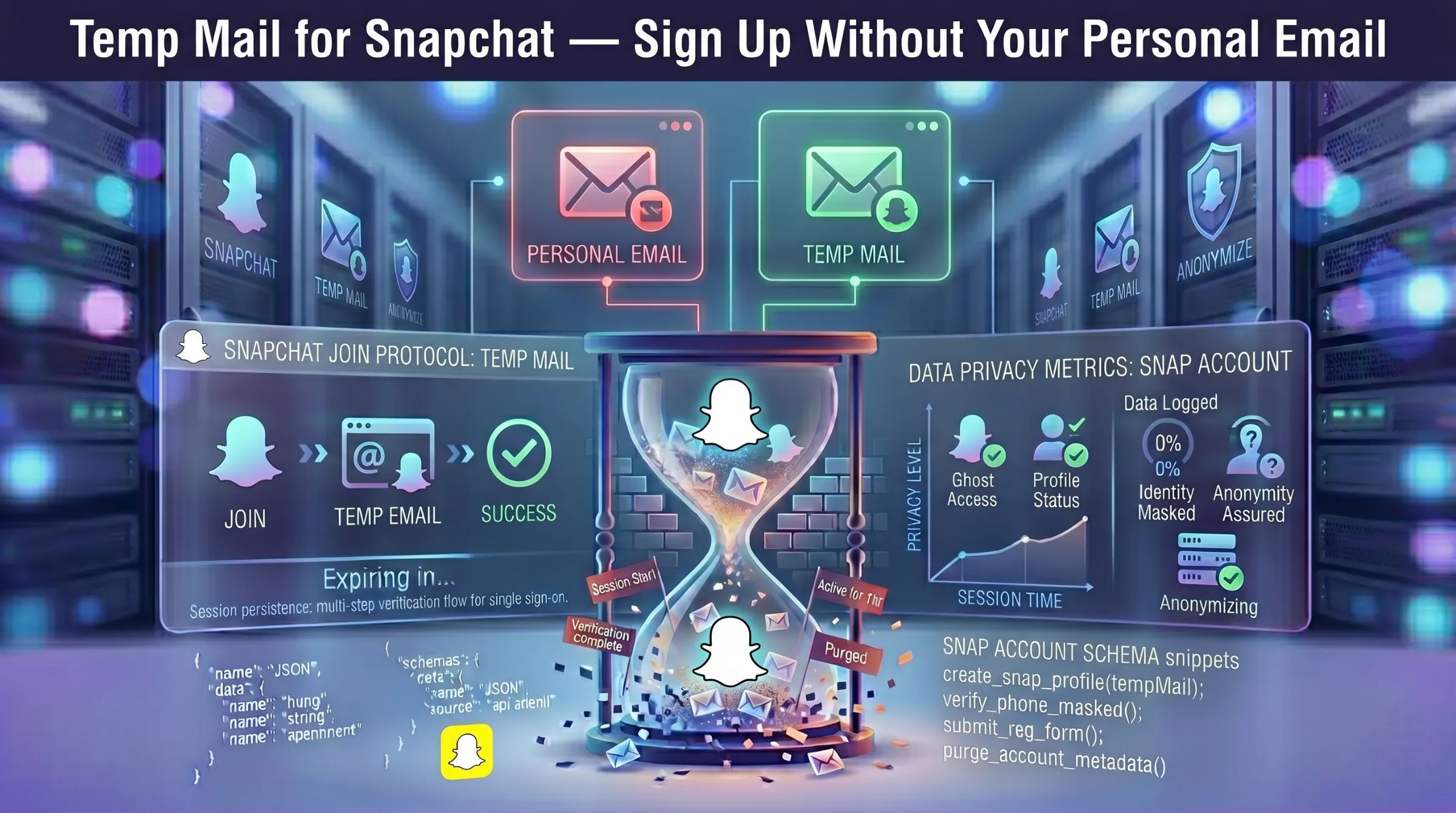
Step 1 – Generate a temporary email. Open a free temporary inbox – an address is created instantly with no registration required. Copy the address and keep the tab open.
Step 2 – Start Snapchat registration. Open the Snapchat app or visit the website. Begin the signup process, entering your name, date of birth, and username. When prompted for an email address, paste the temporary address.
Step 3 – Receive and confirm the verification email. Snapchat sends a verification email to the temp address. Return to your temporary inbox, find the email from Snapchat, and click the verification link or enter the confirmation code.
Step 4 – Start using Snapchat. After verification, your account is active. You can add friends, view stories, and use all standard features.
Step 5 – Repeat for additional accounts. Need another Snapchat account? Generate a new temporary address and repeat the process.
When Snapchat Blocks Temp Mail Domains
Snapchat filters known disposable email domains. If your temp address gets rejected during signup or the verification email never arrives, the domain has likely been flagged.
The fix is simple – generate a new address on a different domain. Providers that perform regular domain rotation have higher success rates because their newer domains haven’t been added to Snapchat’s blocklist yet. If multiple domains fail, try a different provider entirely.
For more on how domain rotation and inbox expiration work, see our guide on how long temporary email lasts.
Risks of Using Temp Mail for Snapchat Long-Term
Temp mail handles Snapchat registration well, but keeping the account long-term creates real problems.
Password recovery fails. If you forget your password after the temp inbox expires, Snapchat’s reset email has nowhere to land. You lose the account permanently.
Re-verification requests. Snapchat may ask you to re-verify your email after a new device login or suspicious activity. An expired address means failed verification and potential account lockout.
Snap Streaks and memories at risk. Losing access to a Snapchat account means losing your streaks, saved memories, and friend connections — none of which can be recovered without email access.
The smart approach: Create the account with a disposable address for anonymous registration. If you decide to keep using Snapchat, immediately change the email to a permanent address in Snapchat’s account settings. This gives you privacy at signup without the long-term recovery risk.
For the full picture on safety, see our guide on whether temporary email is safe and legal.
When Temp Mail Makes Sense for Snapchat and When It Doesn’t
Use temp mail for: testing Snapchat before committing, creating a secondary account for a specific event or group, keeping your real email away from Snapchat’s data ecosystem, avoiding promotional email clutter.
Don’t use temp mail for: your primary Snapchat profile, accounts with important streaks or memories, any profile linked to Snapchat’s advertising or business tools.
A disposable address is the fastest way onto Snapchat without a trace. For accounts that matter, always migrate to a permanent email after creation.