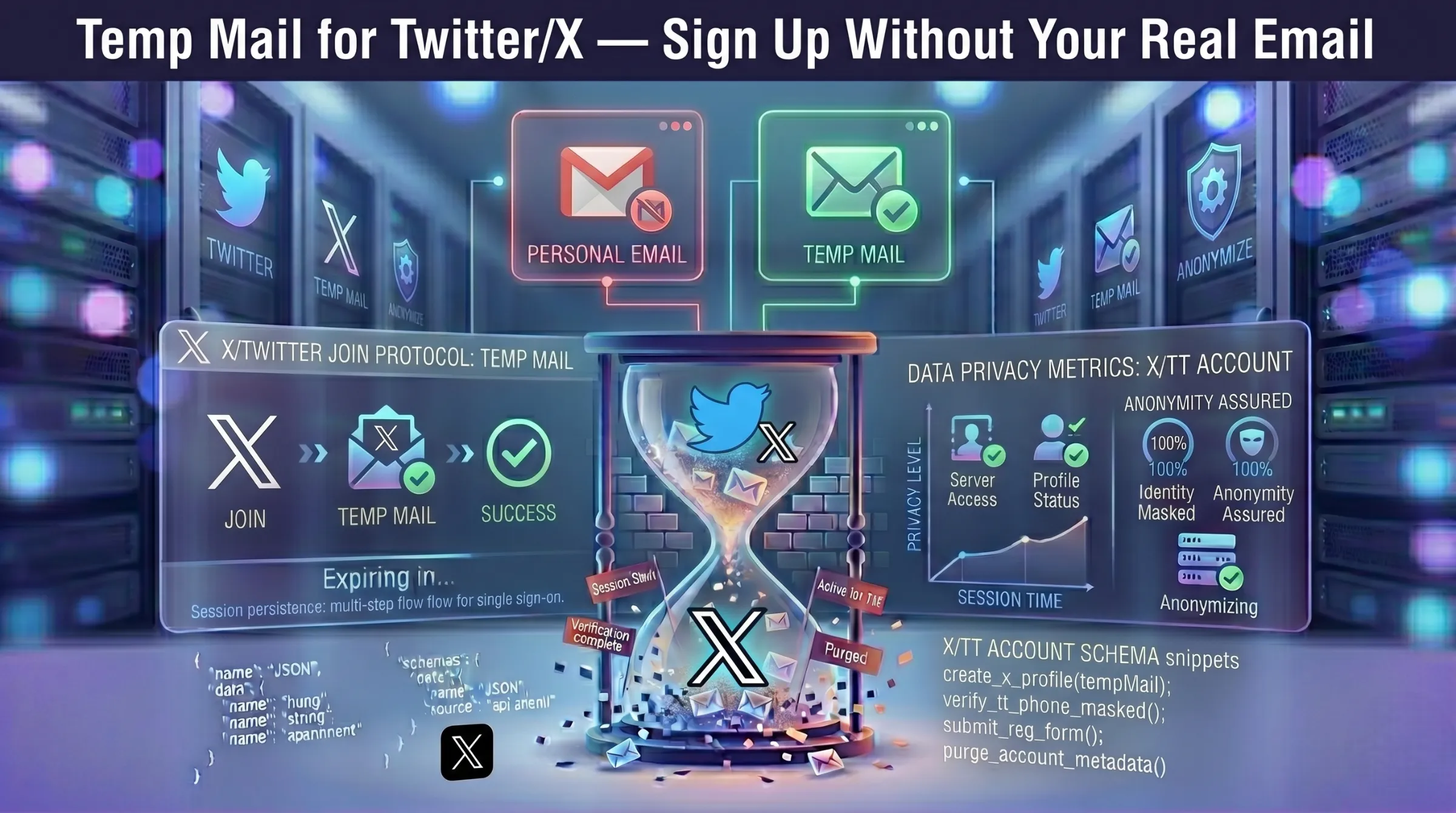
Temp Mail for Twitter/X – Sign Up Without Your Real Email
X (formerly Twitter) requires an email address to create an account and uses it for login verification, password resets, security checks, and a constant stream of notification emails. Your real address becomes a permanent anchor tying your identity to every tweet, follow, and interaction on the platform.
A disposable email address lets you create an X account without that permanent link — completing verification like normal while keeping your real inbox out of the blast radius.
This guide covers how to sign up for X with temp mail, handle OTP delivery reliably, deal with domain blocking, and know when to migrate to a permanent email.
Why Use Temp Mail for X (Twitter)?
X sends frequent notification emails – replies, mentions, trending topics, promotional messages, and security alerts. A temporary inbox absorbs all of that so your primary email stays clean for communication that actually matters.
The privacy advantage goes deeper. Your signup email on X becomes an identity anchor — it’s used for future security checks, account recovery, and can be correlated across platforms if it’s your real address. A disposable address isolates your X activity from your permanent digital identity.
Common use cases include creating secondary accounts for brand management, testing content strategies, maintaining anonymity while participating in discussions, and avoiding marketing follow-ups from a platform you may use casually. For more on why email exposure matters, see our guide on how data breaches put your email at risk.
How to Create an X Account with Temp Mail
Step 1 – Generate a temporary email. Open a free temporary inbox – an address is created instantly. Copy it and keep the tab open so incoming emails appear in real time.
Step 2 – Start X signup. Go to x.com and click “Create your account.” Enter your name and paste the disposable address. Set your date of birth and continue.
Step 3 – Request and enter the verification code. X sends an OTP to the temp address. Return to your inbox, copy the code as soon as it arrives – most codes land within 60-120 seconds. Enter the code on X’s verification screen.
Step 4 – Complete account setup. Choose your username, set preferences, and start using X. Your account is now active.
Step 5 – Decide on lifespan. If this is a one-off test, you’re done. If you plan to keep the account, consider migrating to a permanent email in X’s settings immediately.
When the Verification Code Doesn’t Arrive
OTP codes expire quickly — usually within minutes. If the code doesn’t appear, request one resend and wait 60-120 seconds. Avoid hammering the resend button — excessive requests trigger X’s rate limiting and can delay delivery further.
If resending doesn’t work, the issue is likely domain filtering. X blocks some known disposable domains. Generate a new address on a different domain within the same provider and retry. Providers with large domain pools and regular domain rotation have the highest OTP acceptance rates.
For more on how domain rotation and inbox expiration interact, see our guide on how long temporary email lasts.
Risks of Using Temp Mail for X Long-Term
Password Recovery Fails
Once the temp inbox expires, X’s password reset email goes nowhere. Without access to the registered address, you cannot recover the account.
Re-Verification Demands
X periodically requests email re-verification – after a new device login, a security flag, or suspicious activity. An expired address means failed verification and potential account lockout.
Business and Advertising Features
If the X account becomes a business asset – running ads, building brand reputation, or managing a large following – you need a permanent email for account stability, recovery, and platform support communication.
The Migration Solution
Create the account with a disposable address for anonymous registration. If the account becomes important, change the email to a permanent address in X’s account settings immediately. This gives you privacy at signup without long-term recovery risk.
For the full picture on safety and legality, see our guide on whether temporary email is safe and legal.
When Temp Mail Makes Sense for X and When It Doesn’t
Use temp mail for: testing the platform, secondary accounts for content experiments, anonymous participation in discussions, short-term promotional accounts, avoiding notification spam.
Don’t use temp mail for: your primary X identity, accounts with paid advertising, verified or business profiles, any handle you plan to build a following on.
A disposable address is the fastest way to get onto X without a trace. For accounts that matter, always migrate to a permanent email after creation.