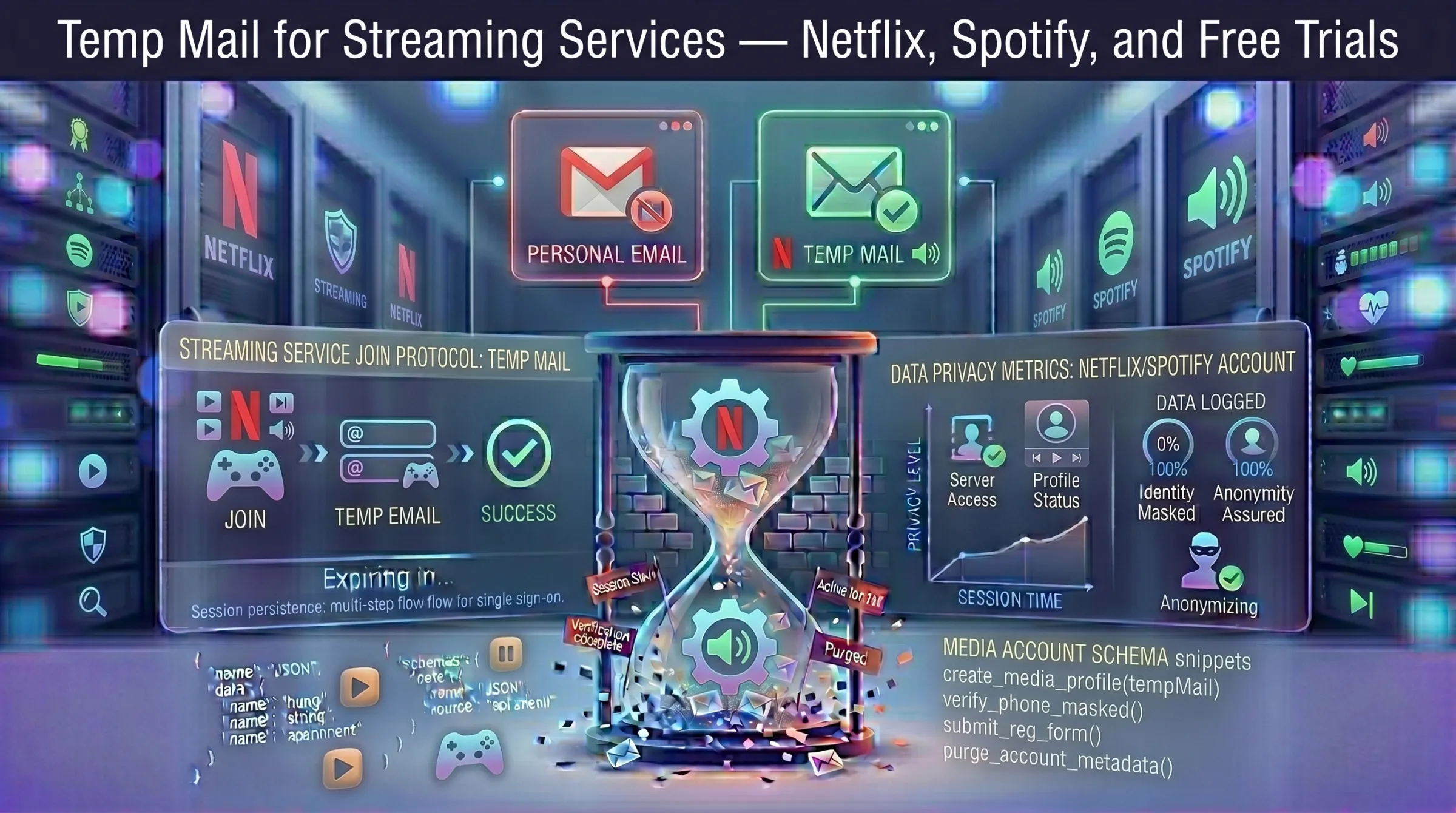
Temp Mail for Streaming Services – Netflix, Spotify, and Free Trials
Streaming platforms like Netflix, Spotify, and others require an email address to create an account, verify your identity, and manage your subscription. Once you register, the promotional emails begin – new releases, personalized recommendations, plan upgrades, and partner offers filling your inbox week after week.
For anyone who wants to explore a streaming platform, test a free trial, or keep their real email away from yet another service, a disposable email address handles registration cleanly and anonymously.
Why Use Temp Mail for Streaming Platforms?
Try Free Trials Without Inbox Clutter
Netflix, Spotify, and most streaming services offer free trials that require email registration. A temporary address lets you activate the trial, explore the platform, and decide whether it’s worth subscribing – all without your primary inbox receiving promotional follow-ups for months afterward.
Avoid Marketing Emails
Streaming platforms send regular emails about new content, recommendations based on viewing habits, plan promotions, and partner offers. A temp inbox absorbs all of that so your real email stays focused on communication you actually care about.
Protect Your Email from Data Exposure
Every platform you register with stores your email address in their system. If that platform suffers a data breach, your email and associated account data end up in leaked databases. A disposable address means there’s nothing meaningful to expose. For more on why this matters, see our guide on how data breaches put your email at risk.
Explore Regional Content
Users testing streaming platforms in different regions or exploring content libraries available in other countries can use temp mail to register without tying their permanent identity to region-specific accounts.
How to Sign Up for Netflix with Temp Mail
Step 1 – Generate a temporary email. Open a free temporary inbox — an address is created instantly with no registration. Copy it and keep the tab open.
Step 2 – Start Netflix registration. Go to netflix.com and click Sign Up. Paste the temporary address in the email field, create a password, and select a streaming plan.
Step 3 – Verify your email. Netflix sends a confirmation email to the temp address. Return to your inbox, find the email, and click the verification link.
Step 4 – Start watching. After verification, your Netflix account is active. Browse the catalog and start streaming.
How to Sign Up for Spotify with Temp Mail
The process is nearly identical. Generate a fresh temporary address, paste it during Spotify’s registration, receive the verification email, and confirm. Spotify’s free tier doesn’t require payment information, making temp mail especially practical for exploring the platform without any commitment.
For premium trials that require payment details, be aware that the billing information creates a separate identity link regardless of the email used.
Do Streaming Platforms Block Temp Mail?
Netflix and Spotify are generally less aggressive with disposable domain filtering than social media platforms like Facebook or Discord. Most temporary addresses are accepted during registration and verification emails arrive quickly.
However, some domains may be flagged over time. If your address gets rejected or the verification email doesn’t arrive, generate a new address on a different domain and retry. Providers with active domain rotation maintain fresher domains with higher acceptance rates.
For more on how domain rotation affects your inbox, see our guide on how long temporary email lasts.
Risks of Using Temp Mail for Streaming Accounts
Password Recovery Fails
If the temp inbox expires and you forget your password, the recovery email has nowhere to land. You lose access to the account and any watchlists, playlists, or preferences you’ve built.
Payment Method Complications
If you attach a payment method to an account registered with a disposable email, you may have difficulty managing billing disputes, requesting refunds, or contacting customer support without access to the registered address.
Subscription Management Issues
Streaming platforms send billing reminders, plan change confirmations, and payment failure alerts to the registered email. Missing these communications because your temp address expired can result in unexpected charges or service interruptions.
The Smart Approach
Use temp mail for free trials and platform exploration. If you decide to subscribe and pay, immediately change the email to a permanent address in the account settings. This gives you anonymous access during the trial and reliable account management afterward.
For the full picture on safety, see our guide on whether temporary email is safe and legal.
When Temp Mail Makes Sense for Streaming — and When It Doesn’t
Use temp mail for: free trial activations, exploring platform content before committing, avoiding promotional email overload, testing regional content access, keeping your real email out of another company’s database.
Don’t use temp mail for: paid subscription accounts, profiles with saved playlists or watchlists you want to keep, any account with payment methods attached, family or shared plans requiring ongoing management.
A disposable address is the cleanest way to test a streaming service without commitment. For accounts you pay for, always migrate to a permanent email.