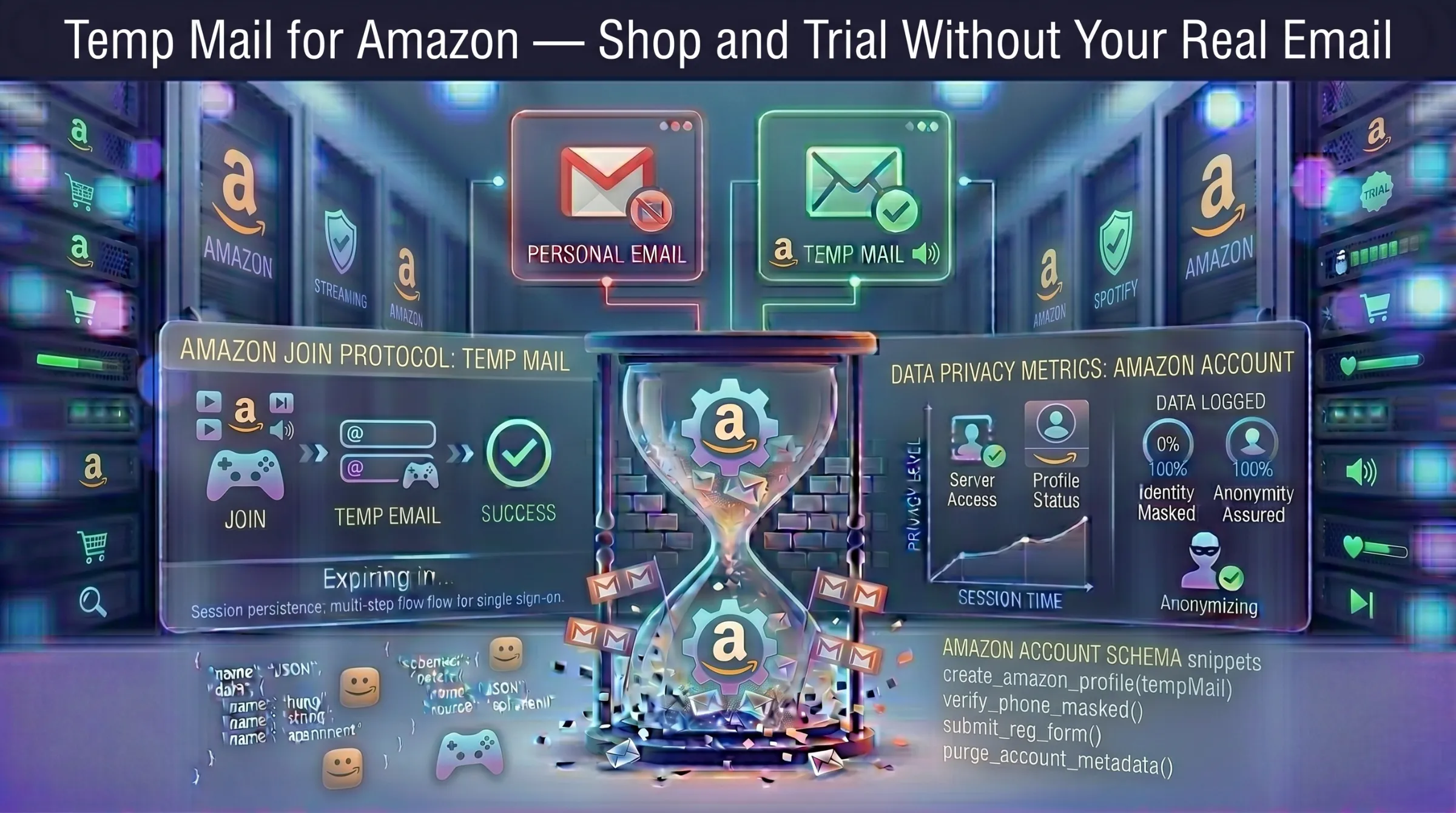
Temp Mail for Amazon – Shop and Trial Without Your Real Email
Amazon requires an email address to create an account and uses it for order confirmations, shipping updates, Prime membership management, and a steady stream of promotional emails. For anyone who wants to test Amazon Prime, explore the platform, or keep their real inbox separate from Amazon’s marketing ecosystem, a disposable email address handles registration without long-term inbox consequences.
This guide covers why temp mail works for Amazon, how to complete signup, the specific limitations with Amazon’s verification process, and when you should use your real email instead.
Why Use Temp Mail for Amazon?
Access Free Trials Cleanly
Amazon Prime offers a 30-day free trial that requires email registration. A temporary address lets you activate the trial and explore Prime Video, free shipping, and exclusive deals without committing your real inbox to Amazon’s promotional pipeline.
Avoid Promotional Email Overload
Amazon sends frequent emails — deal alerts, product recommendations, Prime Day promotions, review requests, and partner offers. For casual users or trial explorers, a temp inbox absorbs all of this so your primary email stays clean.
Protect Your Email from Data Exposure
Amazon accounts store purchase history, payment methods, addresses, and browsing behavior – all linked to your registered email. If Amazon’s systems are ever compromised, your real email and associated data are exposed. A disposable address limits that connection. For more on this risk, see our guide on how data breaches put your email at risk.
How to Create an Amazon Account with Temp Mail
Step 1 – Generate a temporary email. Open a free temporary inbox – an address is created instantly. Copy it and keep the tab open.
Step 2 – Start Amazon registration. Go to amazon.com and click “Create your Amazon account.” Enter your name, paste the temporary address in the email field, and create a password.
Step 3 – Enter the verification code. Amazon sends a verification code to the temp address. Return to your inbox, find the email, and enter the code on Amazon’s confirmation page.
Step 4 – Handle phone verification. Amazon may also require phone number verification in addition to email. This is a separate step from the email confirmation and cannot be bypassed with temp mail alone. Be prepared with a valid phone number.
Step 5 – Add payment details for Prime trial. If activating a Prime free trial, Amazon requires a payment method. You won’t be charged during the trial period, but a valid card must be on file. Consider a virtual card if you want an extra layer of separation.
Step 6 – Start using Amazon. After verification, your account is active. Browse, shop, or stream Prime Video.
Important: Amazon’s Extra Verification Layer
Unlike many platforms that only require email verification, Amazon frequently requests phone number confirmation as well — especially for new accounts. Temp mail handles the email side of registration, but the phone requirement means full anonymity isn’t possible on Amazon the way it is on platforms like Discord or Roblox.
This is worth knowing upfront so you don’t get stuck mid-registration. Email verification alone may not be enough to complete Amazon account creation.
Do Amazon Services Block Temp Mail?
Amazon is moderately aggressive with disposable domain filtering. Some known throwaway domains are rejected during signup, while others pass through without issues.
If your temp address gets rejected or the verification email doesn’t arrive, generate a new address on a different domain and retry. Providers with regular domain rotation maintain newer domains that are less likely to be flagged.
For more on how domain rotation and inbox lifespan work together, see our guide on how long temporary email lasts.
Risks of Using Temp Mail for Amazon Long-Term
Order and Account Recovery Fails
If the temp address expires and you need to recover your account, Amazon’s reset email has nowhere to land. You lose access to your order history, saved addresses, and any active subscriptions.
Payment and Billing Complications
Amazon sends billing alerts, payment failure notifications, and subscription renewal reminders to the registered email. Missing these because your temp address expired can result in unexpected charges or service interruptions.
Prime Membership Management
Canceling Prime, changing plans, or disputing charges typically requires access to the registered email for confirmation. An expired temp address makes these actions difficult or impossible.
The Smart Approach
Use temp mail for exploring Amazon or testing a Prime trial. If you decide to make purchases, attach payment methods, or continue using Prime, immediately change the email to a permanent address in Amazon’s account settings. This gives you privacy during exploration and reliable account management afterward.
For the full safety picture, see our guide on whether temporary email is safe and legal.
When Temp Mail Makes Sense for Amazon and When It Doesn’t
Use temp mail for: testing a Prime free trial, exploring Amazon’s platform before committing, avoiding promotional emails, keeping your real email out of Amazon’s data ecosystem.
Don’t use temp mail for: accounts with payment methods and active orders, Prime memberships you plan to maintain, any account with saved addresses or purchase history you need access to.
A disposable address is a clean entry point for trial access and exploration. For accounts you shop with, always migrate to a permanent email.